
PS Trophies
Track your PlayStation trophies, compare with friends and join the community.
Android · iOS coming soon
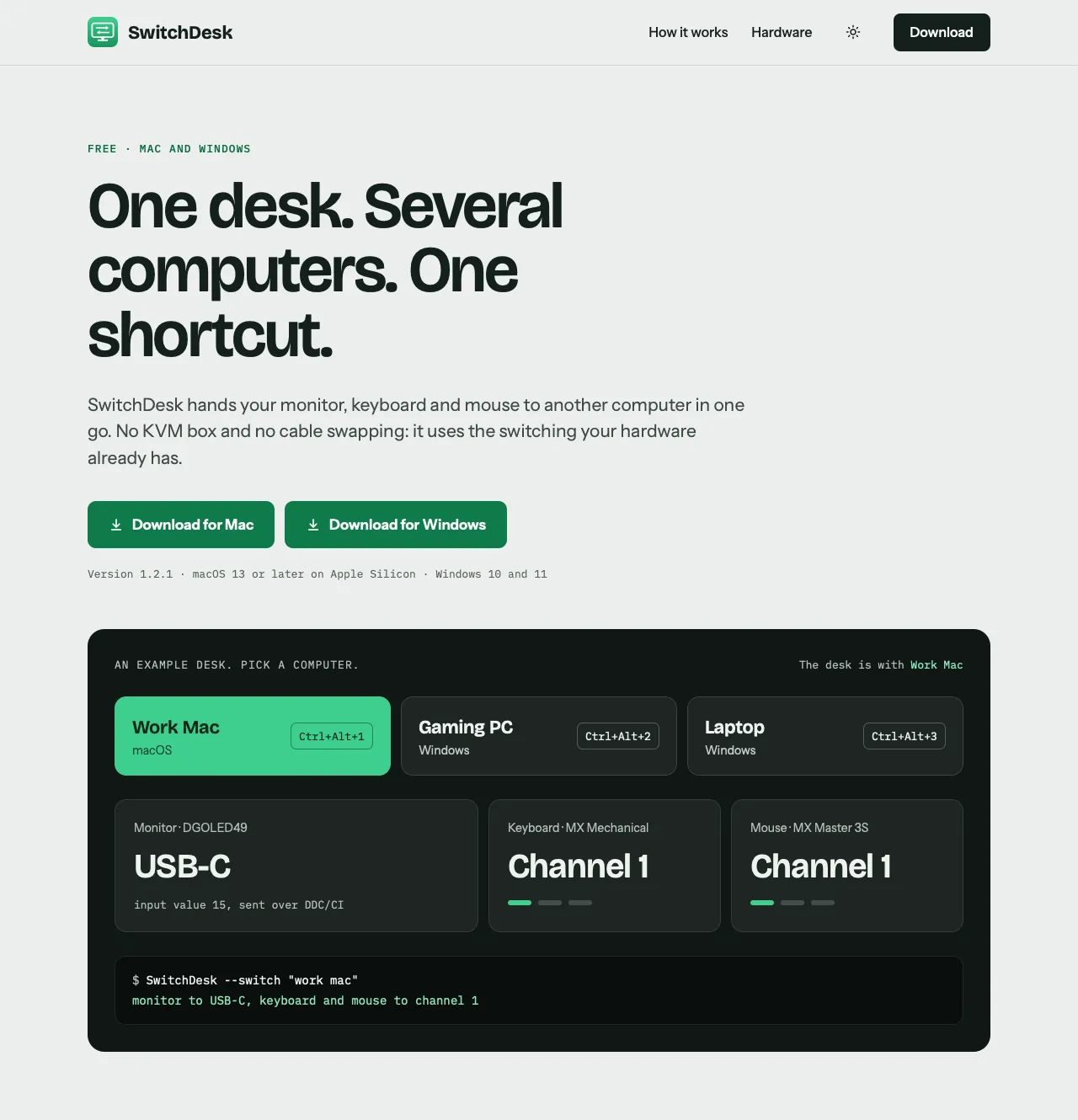
One desk. Several computers. One shortcut.
Hand your monitor, keyboard and mouse to another computer with one shortcut, one menu click or one command. No KVM box and no cable swapping. Free for Mac and Windows.
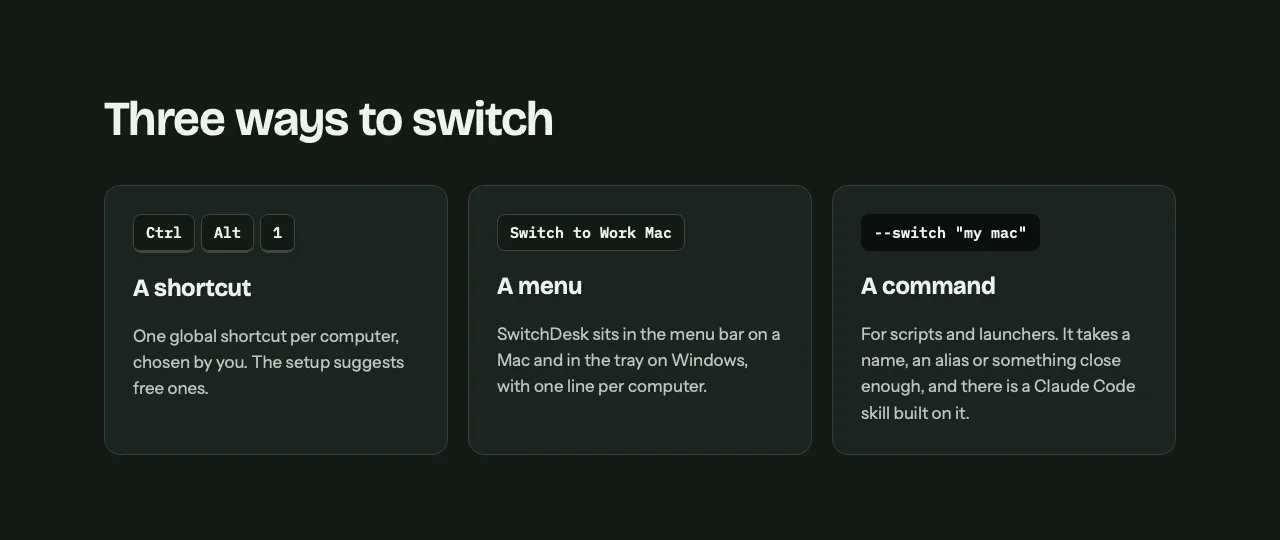
A global shortcut for each computer hands the desk over. The setup suggests free ones.
A menu bar app on Mac and a tray app on Windows, with one line per computer. The command line takes a name, an alias or something close enough.
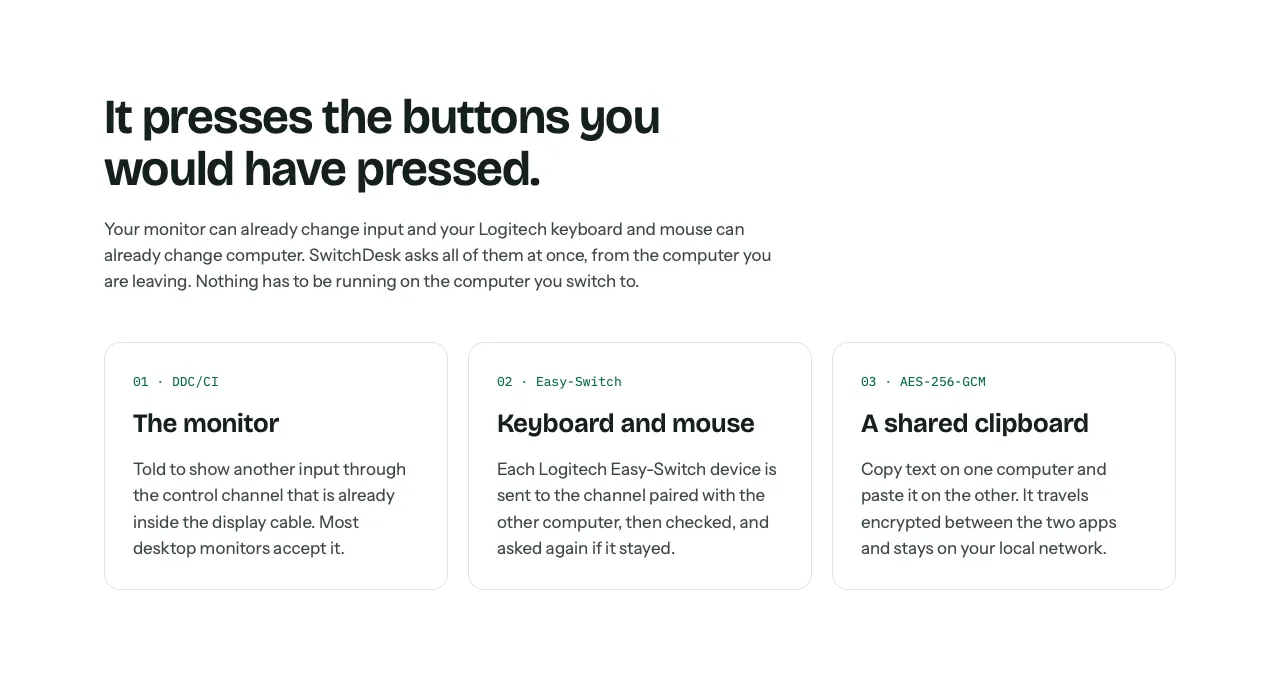
Tells the monitor to show another input through the control channel in the display cable. Most desktop monitors accept it.
Sends the keyboard and mouse to the channel paired with the other computer, checks it, and asks again if it stayed.
Copy text on one computer and paste it on the other, encrypted between the two apps over your local network.
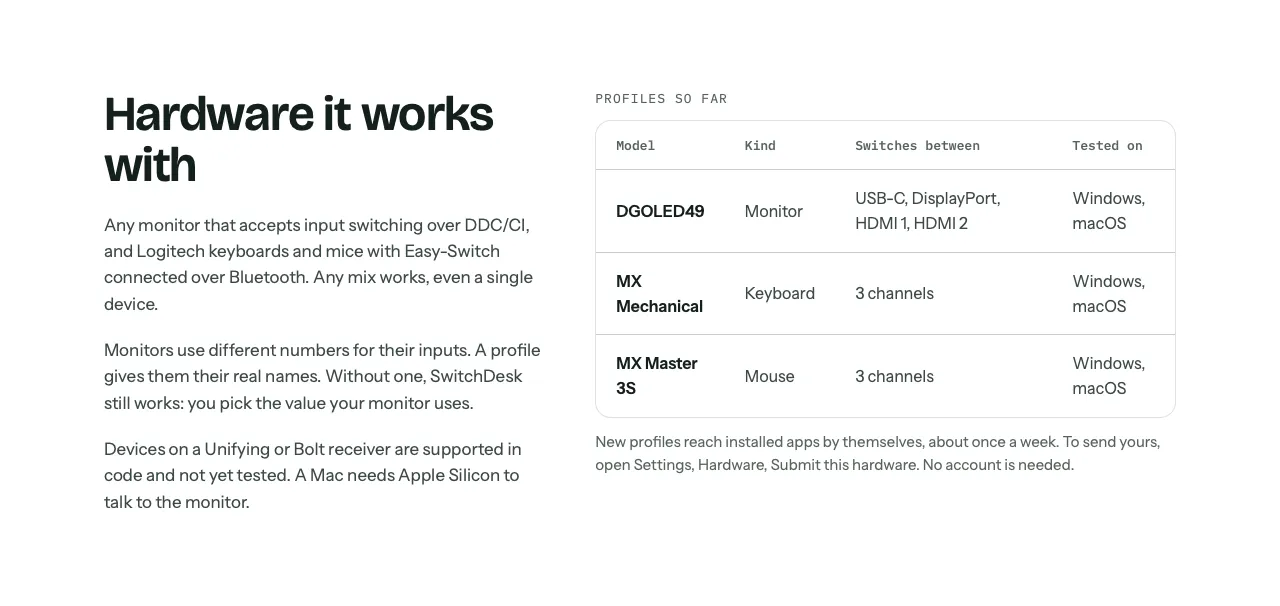
Profiles name each monitor's inputs and are fetched about once a week; you can send yours from Settings without an account.
The computer you leave does the whole switch, so nothing has to run on the one you switch to.
A skill built on the command line lets you say "switch to my mac" in a chat.
These pages live on the app’s own site. Or write to support@indiesoftware.com.ar.
Track your PlayStation trophies, compare with friends and join the community.
Android · iOS coming soon

Your whole Xbox profile on your phone: what you have unlocked, what is left, who is online, and every capture you have saved.
Android

Lattika divides your screen into zones you design. Hold Shift while dragging a window and drop it into one. Built for ultrawide and multi-display setups.
macOS