

PS Trophies
Track your PlayStation trophies, compare with friends and join the community.
Android · iOS

Save links, write notes. AI tags, summarizes, and syncs everything for you.
Your personal library for everything worth saving. One tap saves a link with its title, cover image and an AI summary. On Android now; iPhone, iPad, Mac and Windows coming soon.
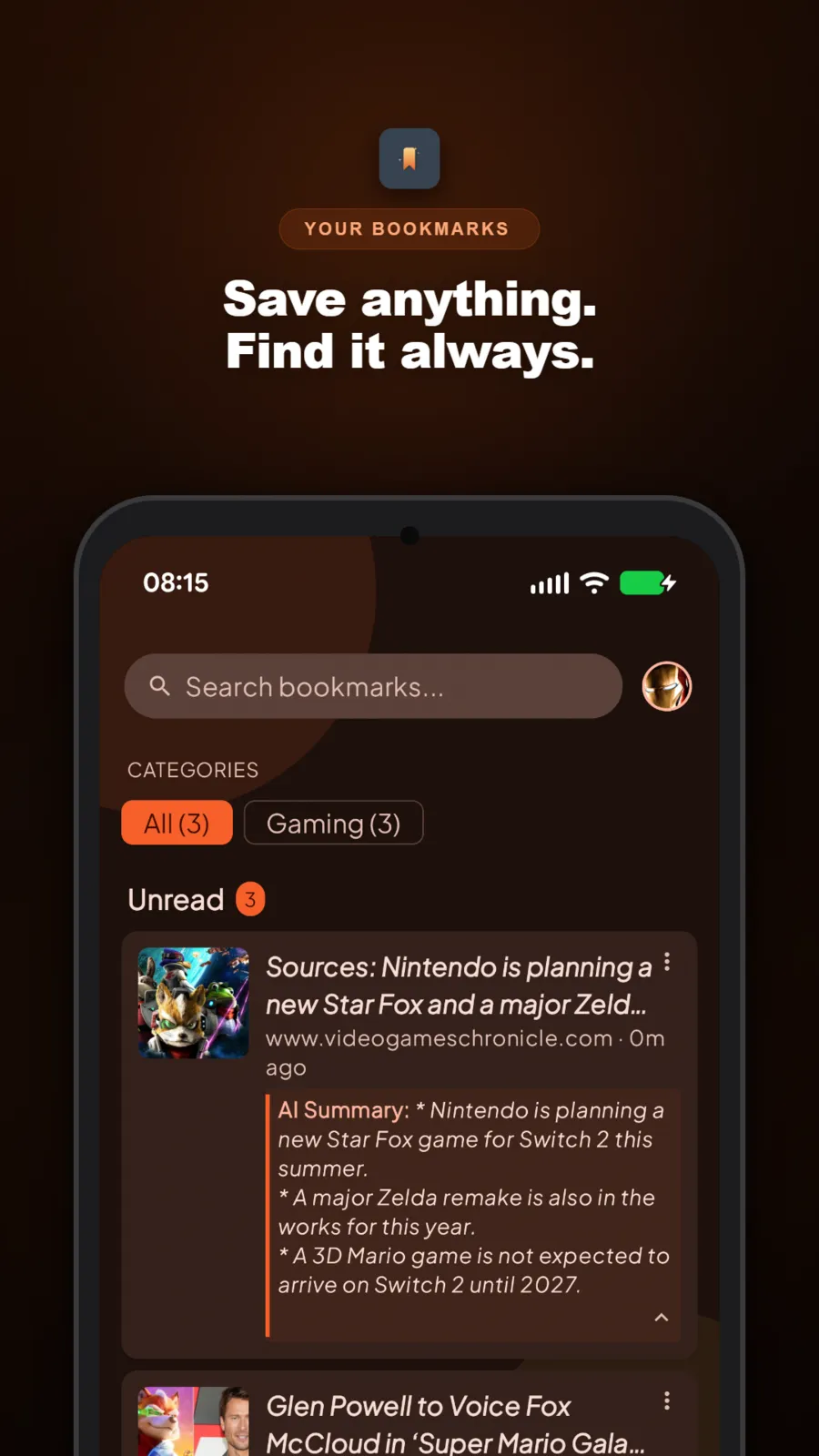
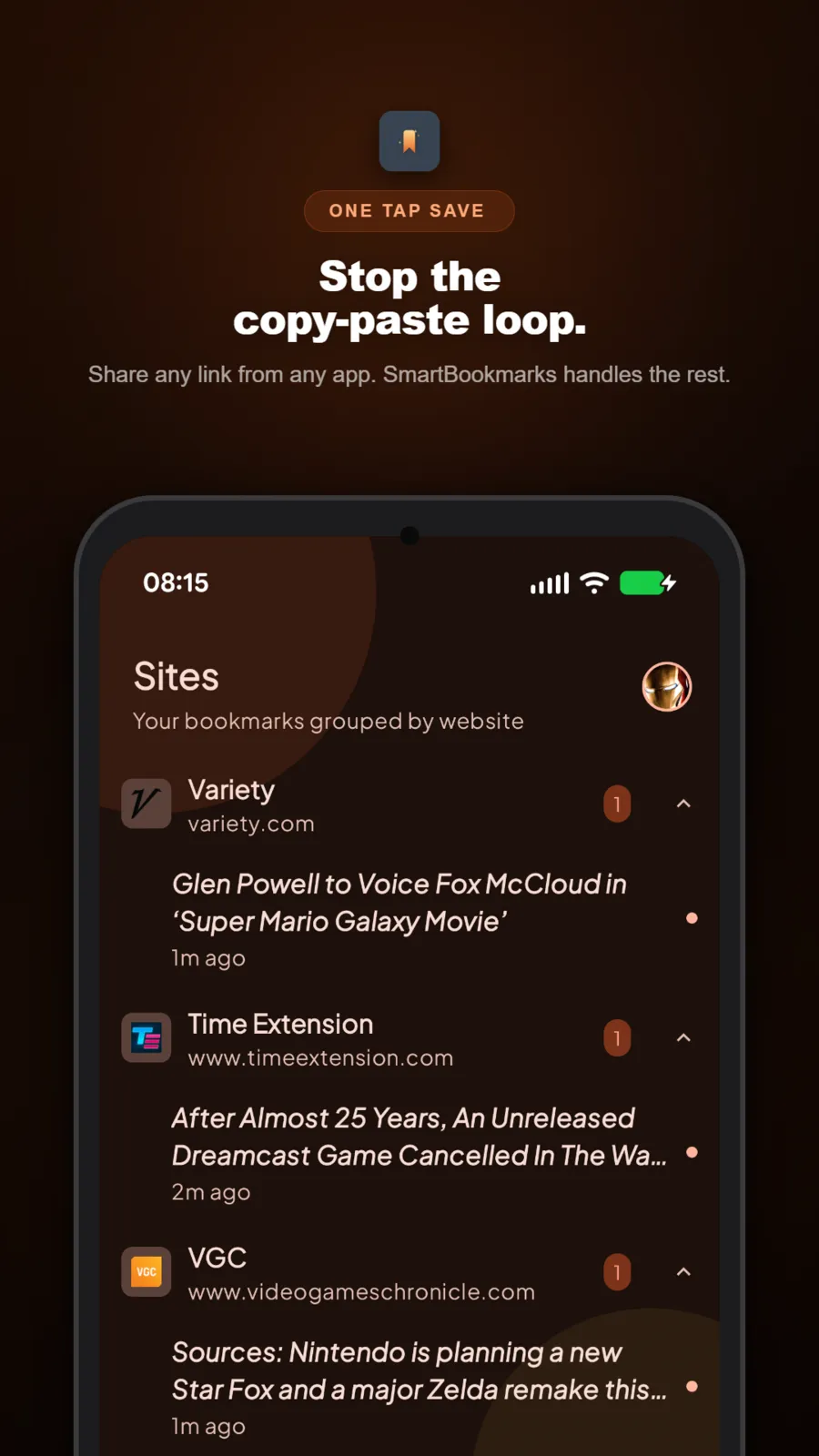
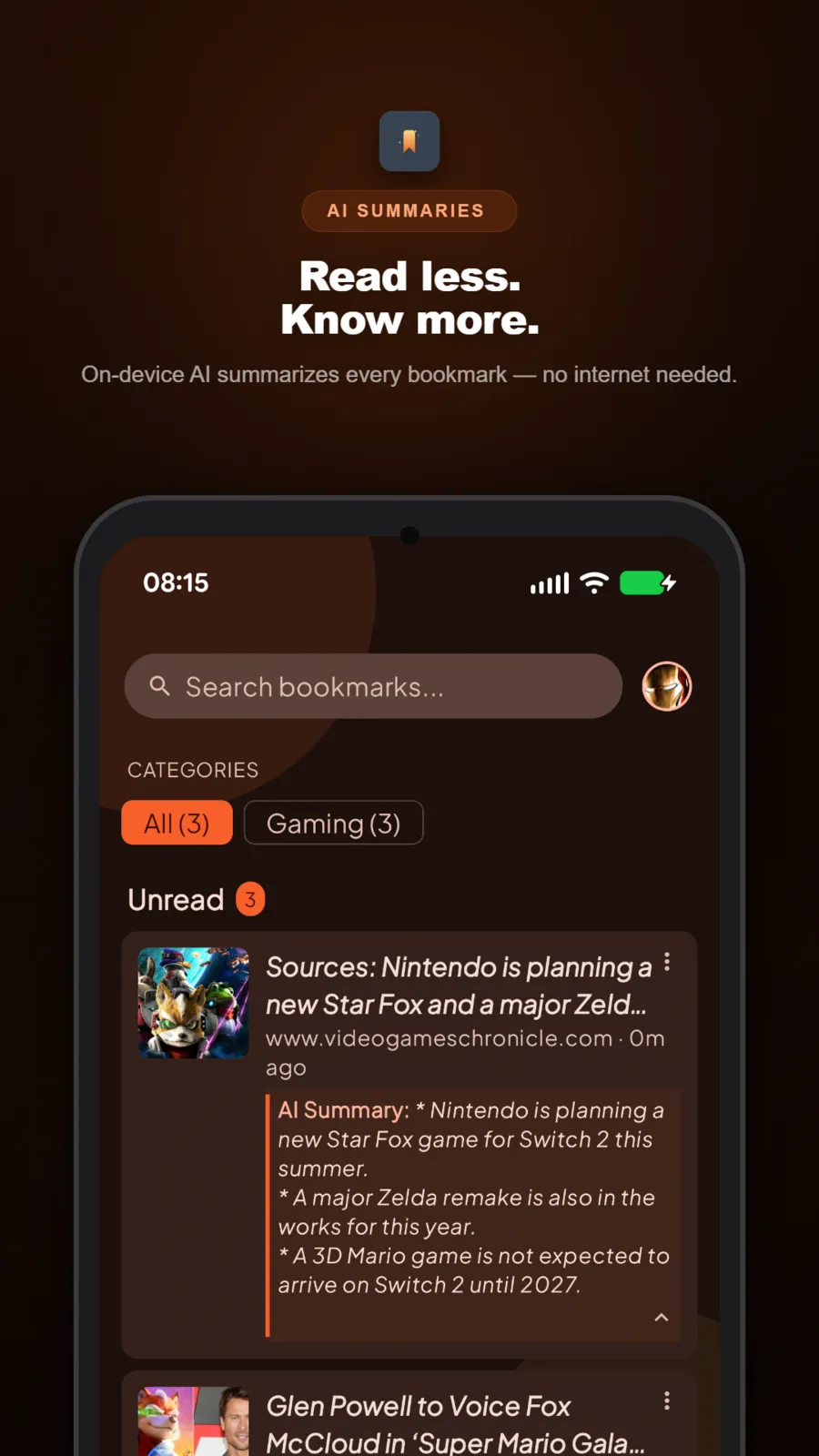


Share any URL from any app in one tap. Title, description and cover image are filled in automatically, and an AI summary tells you why you saved it, even months later.
Rich notes alongside your bookmarks. AI tags and categorizes notes the moment you save them, and one search covers notes and bookmarks together.
AI classification, filters by category, tag or read status, browse by site, Unread and History views, plus home screen and lock screen widgets.
Text-to-speech reads any bookmark or note aloud, on-device with no subscription needed. Natural cloud voices are available with ULTRA.
On an Android tablet in landscape, an unfolded foldable or an iPad (coming soon), your list sits on one side and whatever you pick on the other.
Cloud sync of bookmarks, notes and categories across all your devices, end-to-end encryption before anything reaches the cloud, and a weekly digest of your top saves.
Remote AI summaries powered by Gemini, natural cloud text-to-speech voices and priority cloud processing.
The Windows and Mac apps read the library from your phone on a bigger screen, write notes, and run your own AI model on your computer. They need a PRO or ULTRA plan.
Track your PlayStation trophies, compare with friends and join the community.
Android · iOS

Your whole Xbox profile on your phone: what you have unlocked, what is left, who is online, and every capture you have saved.
Android · iOS

Lattika divides your screen into zones you design. Hold Shift while dragging a window and drop it into one. Built for ultrawide and multi-display setups.
macOS